

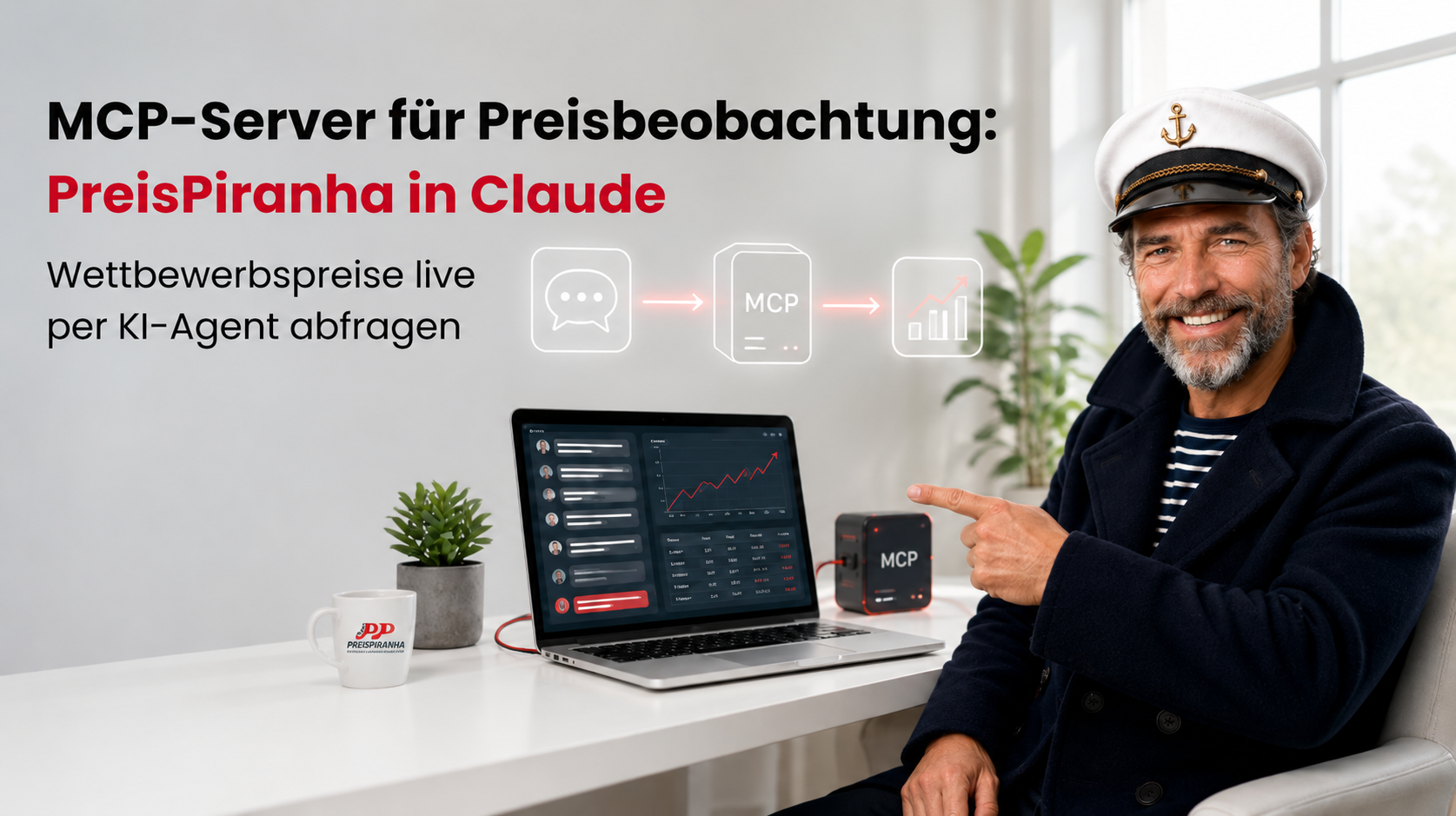
Most MCP servers for price monitoring can only give your AI agent the data someone has already set up for it. With the PreisPiranha Suite, you simply hand your agent an EAN – and it goes and finds the prices itself.
Ask Claude today what a competitor charges for a product and, without the right integration, the best you’ll get is a quick snapshot from the web. That’s hardly enough to base a pricing decision on. With the MCP server, your agent pulls the answer straight from the PreisPiranha Suite.
What is the PreisPiranha MCP server?
The PreisPiranha MCP server connects the PreisPiranha Suite to AI agents such as Claude Desktop, Codex and Cursor. Your agent can look up competitor prices in real time by EAN/GTIN, manufacturer or shop URL, analyse price histories and calculate price recommendations – all with read-only access.
In practice, this means you can plug PreisPiranha into any AI-driven workflow that touches on pricing or your competitive position. Any tool or agent that supports MCP can connect to it.
MCP in a nutshell
MCP (Model Context Protocol) is an open standard that allows AI models to access external data sources and tools. An MCP server exposes these capabilities, and the AI agent calls on them whenever it needs them to answer a question.
For pricing teams, this means you stay in Claude Desktop, ask your question and let Claude fetch the pricing data itself. No logging into dashboards, no exporting spreadsheets, no copying figures into a chat window. Development teams can connect the same server to Codex or Cursor – for example, to build their own reports.
What your AI agent can do with PreisPiranha
Your agent handles the pricing questions that would otherwise have your team switching back and forth between competitor sites, dashboards and Excel. Here are a few examples of what you might ask Claude:
| Task | Example prompt for Claude |
| Check competitor prices live | “What are competitors charging for the product with this EAN right now?” |
| Look up prices by manufacturer | “Show me current market prices for all products from manufacturer X.” |
| Check a specific shop | “What’s the current price of the product at this shop URL?” |
| Analyse price histories | “How have competitors changed their prices for this product recently?” |
| Identify the biggest price gaps | “Where are we furthest off the market price?” |
| Compare brands | “Compare price trends for brand A and brand B.” |
| Spot competitor trends | “What trends are you seeing in our competitors’ pricing?” |
| Calculate price recommendations | “What price would you recommend if we want to undercut the cheapest seller by 2%?” |
| Send an Excel export | “Email me the price table as an Excel file.” |
Where it really pays off is when you chain requests together. In a single prompt, your agent can identify the products with the largest price gaps, calculate recommended prices for them and email you the results as an Excel file.
Two modes: live lookups or stored data
Your agent triggers lookups on its own – there’s no need for anyone to add the product to your monitoring first. If you already use PreisPiranha, your agent also has access to all the price data the system has collected to date.
| Live lookup | Stored data | |
| How it works | Your agent has prices crawled in real time by EAN/GTIN, manufacturer or shop URL | Your agent queries prices already captured in the PreisPiranha database |
| Best for | Ad-hoc questions, new products, individual shops | Price histories, price changes, trends and brand comparisons |
| Requirements | A PreisPiranha customer account – no monitoring setup needed | An existing PreisPiranha Suite setup |
With your own PreisPiranha account, you can use both side by side: live lookups for quick questions on the fly, and the database for in-depth analysis and historical reporting.
What the MCP server can’t do (yet)
Access is strictly read-only. Your agent can analyse, compare and recommend prices, but it cannot change any pricing rules in the PreisPiranha Suite. The final decision – and the price change itself – stays with your team.
More is on the roadmap: we plan to let you edit dynamic pricing rules and set up price alerts directly from your agent via the MCP server. A release date for these features has not yet been set.
FAQs: MCP server for price monitoring
An MCP server for price monitoring gives AI agents access to competitor pricing data via the Model Context Protocol. The agent retrieves and analyses prices on its own – no one has to export data manually.
Claude Desktop, Codex, Cursor and any other application that supports MCP.
By EAN/GTIN, manufacturer or shop URL.
No. Access is strictly read-only. Editing dynamic pricing rules and setting up price alerts are on our roadmap.
Yes. Depending on the AI application you use, it can email you the price table as an Excel file.
Your next step
Want to see which pricing questions your AI agent can answer for your product range? Book a demo and we’ll show you – using your own products.